Golfers who play a dozen courses a year and can't remember which ones need a real system, not a memory. This guide ranks the eight golf apps worth using in 2026 to log courses played, track group trips, and turn rounds into something shareable.
Best overall golf course tracking app in 2026: LFG Golfing, built for logging every round and turning group trips into shareable stat cards. Best for official handicap posting: TheGrint. Best budget pick for solo rounds: Golf Pad GPS.
- LFG Golfing wins the golf course tracking app comparison for 2026 group trips and stat cards.
- TheGrint and GHIN handle official USGA handicap posting; course-logging apps generally don't.
- Arccos Caddie needs a sensor on every club, the most hardware-dependent tracker on this list.
- Hole19 covers GPS course mapping without hardware, useful for casual rounds.
- Golf Pad GPS keeps scorecard tracking simple for golfers who skip advanced stats.
Why this matters
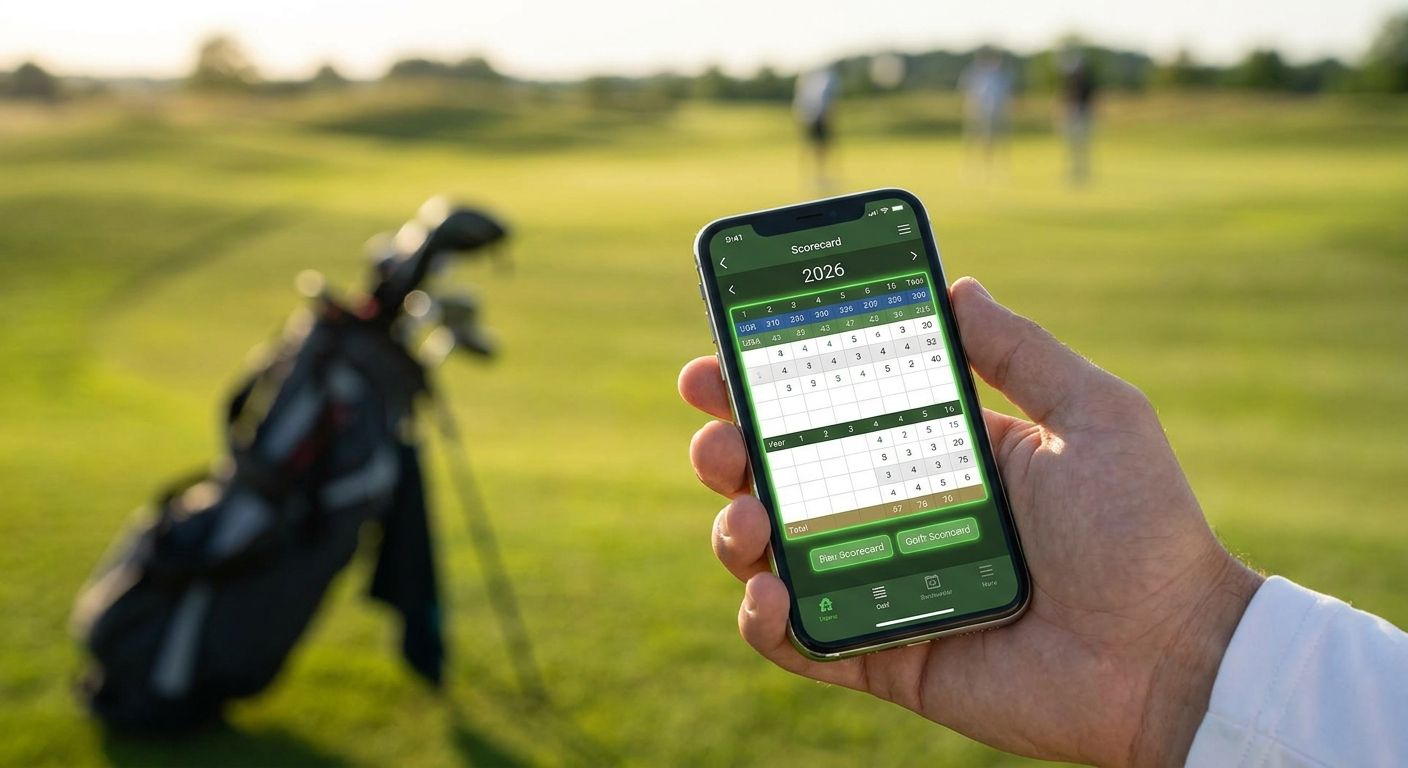
Most golfers can name the last three courses they played and blank on everything before that. A golf course tracking app fixes that by logging every round automatically, so the list builds itself instead of living in a group chat screenshot nobody can find later.
Group trips make the problem worse. Four guys on a three-round buddy trip in 2026 generate stats nobody organizes without a tool built for it. The apps below split into two camps: ones built to log rounds and share them, and ones built to calculate a handicap. Picking the wrong camp for your use case is the most common mistake.
What makes the best golf course tracking app
- Automatic course detection — the app recognizes where you are and starts logging without manual course search
- Group trip support — tracks multiple players across multiple rounds as one trip, not isolated rounds
- Shareable output — generates a stat card or scorecard graphic built for group chats and social feeds
- Score and shot statistics — captures more than total strokes: putts, fairways, greens in regulation
- Handicap calculation — either an official USGA-recognized index or a self-tracked estimate
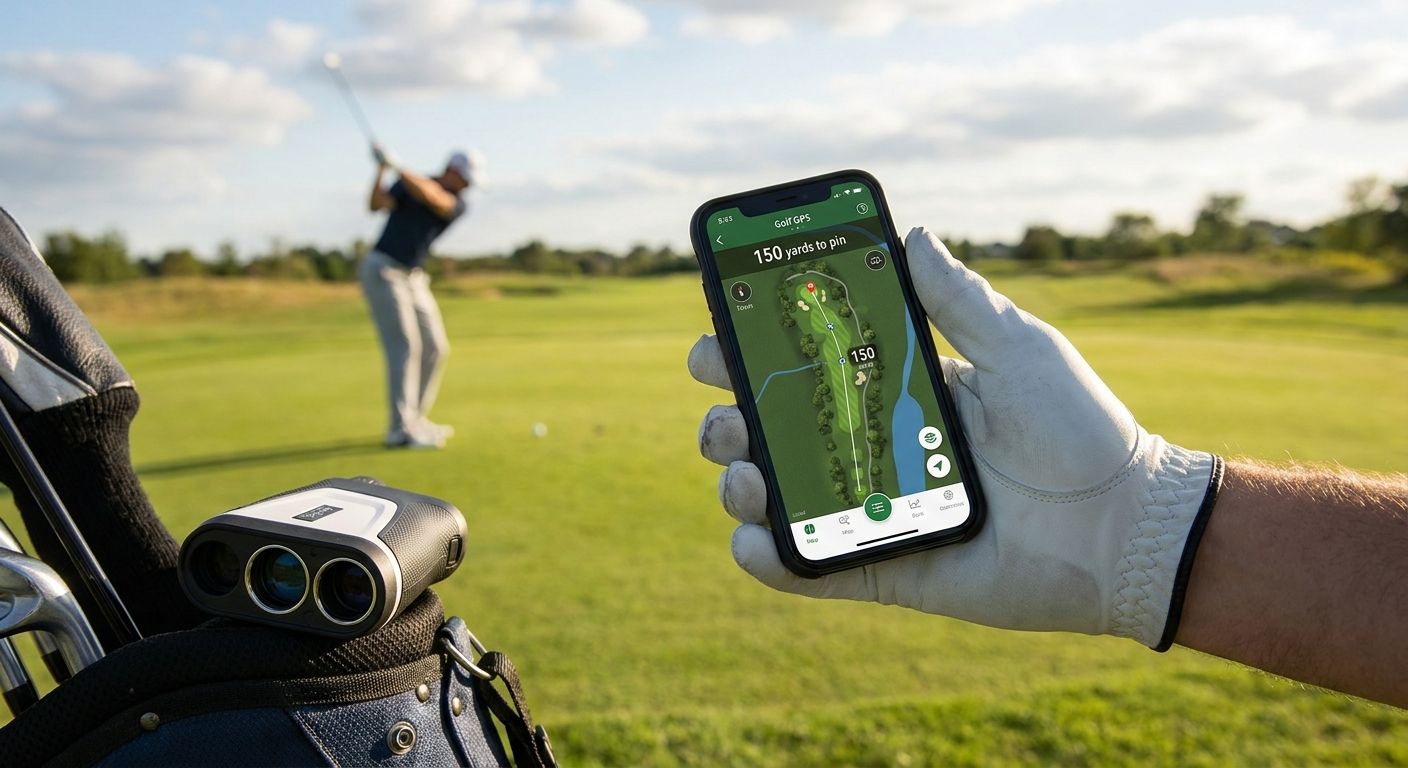
- GPS accuracy and course database size — matters most for rangefinder-style apps
Golf course tracking apps at a glance
| App | Best for | Standout feature | Key limitation |
|---|---|---|---|
| LFG Golfing | Group trips and stat cards | Shareable stat cards built for group chats | iPhone only |
| 18Birdies | GPS rangefinder and social scoring | Social feed built alongside the GPS tool | Group trip logging isn't the focus |
| TheGrint | Official handicap tracking | Handicap index calculated from posted scores | Course logging is secondary to the index |
| Golfshot | Shot-level statistics | Per-shot GPS distance tracking | Depth of stats means a steeper setup |
| Hole19 | Free GPS course mapping | Large course database with GPS overlays | Not built for group trip tracking |
| Arccos Caddie | Automatic hardware shot tracking | Sensors log every shot with no manual entry | Requires buying a sensor for each club |
| GHIN | USGA-verified handicap index | Official index recognized by clubs and tournaments | Not designed for casual course logging |
| Golf Pad GPS | Simple scorecard tracking | Straightforward GPS-based scorecard | Lighter on group-trip and social features |
1. LFG Golfing: best golf course tracking app for group trips and stat cards
LFG Golfing logs every course you play on iPhone and keeps a running history instead of a mental guess. It's built around the trip, not just the round — multiple players, multiple days, one log — and it turns the results into a stat card meant to be dropped straight into a group chat.
LFG Golfing pros:
- Logs every course played automatically, building a real history over 2026 and beyond
- Tracks group golf trips across multiple players and rounds, not single sessions
- Generates shareable stat cards designed for group chats, not just an in-app feed
- Keeps the focus on course history and trip memories rather than handicap math
LFG Golfing cons:
- iPhone only, so Android golfers in the group are locked out
- No official USGA handicap index calculation — golfers who need one still need TheGrint or GHIN
Best for: golf buddies who play trips together and want the round remembered and shared, not just scored.
Verdict: Buy if your golf calendar is built around trips with friends and you want a shareable result at the end of the round.
Start logging your golf trips
Log courses played and generate a shareable stat card for the group chat.
2. 18Birdies: best golf tracking app for GPS rangefinder and social scoring
18Birdies pairs a GPS rangefinder with score tracking and a social feed where golfers post rounds. It's closer to a scoring-and-social hybrid than a pure course-logging tool.
18Birdies pros:
- GPS rangefinder built into the scoring flow
- Social feed for sharing individual rounds
- Score tracking with basic statistics
18Birdies cons:
- Group trip logging across multiple days isn't the core use case
- Social feed leans toward individual posts, not trip-level stat cards
Best for: golfers who want a rangefinder and a place to post scores publicly.
Verdict: Hold if group trip logging matters more to you than a social feed.
3. TheGrint: best golf app for official handicap tracking
TheGrint exists to calculate a handicap index from posted scores, with course logging built to support that calculation rather than stand on its own.
TheGrint pros:
- Handicap index calculated directly from posted rounds
- Score entry designed around handicap accuracy
- Recognized in some regions for official posting
TheGrint cons:
- Course history and trip features take a back seat to the index itself
- Not built for sharing group-trip stat cards
Best for: golfers whose main goal is a defensible handicap number.
Verdict: Buy if a handicap index is the point and course memory is secondary.
4. Golfshot: best golf app for detailed shot-level statistics
Golfshot tracks distance and outcome on every shot using GPS, producing statistics well beyond total strokes for golfers who want to see where rounds actually fall apart.
Golfshot pros:
- Per-shot GPS distance tracking
- Statistics broken down by club and shot type
- Useful for golfers working on specific parts of their game
Golfshot cons:
- The depth of data means more setup and manual tagging
- Group trip logging is not the primary design
Best for: golfers analyzing their own game shot by shot.
Verdict: Hold unless per-shot analytics are the priority over trip logging.
5. Hole19: best golf app for free GPS course mapping
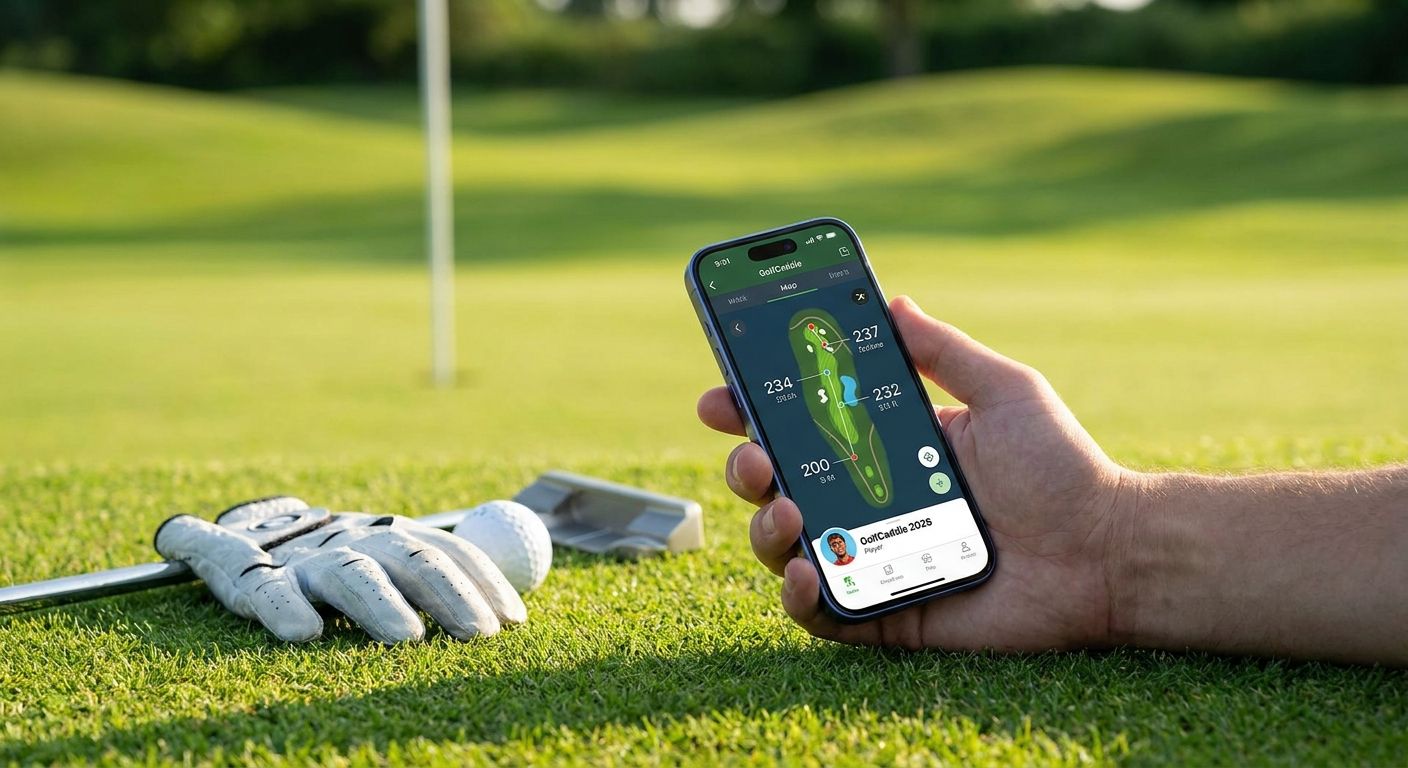
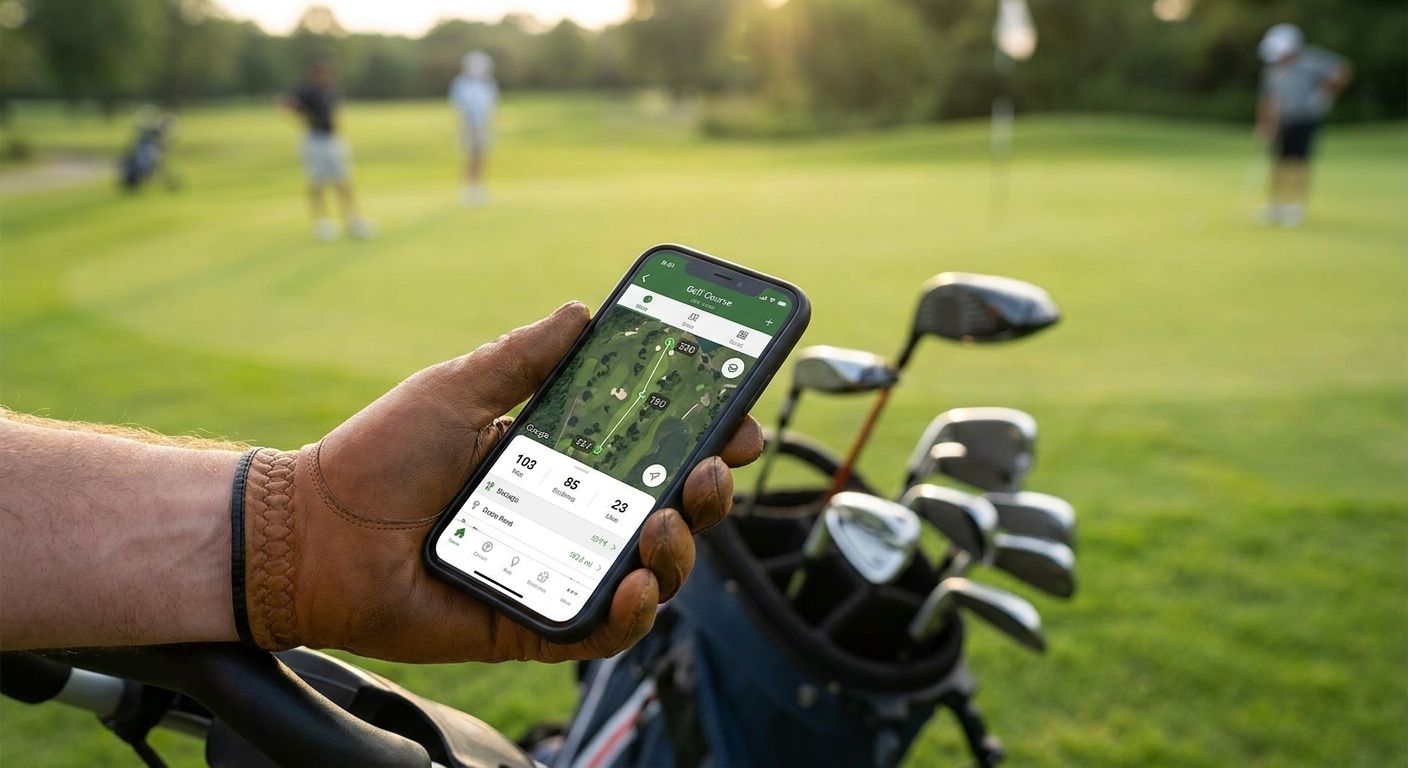
Hole19 covers GPS course mapping and scorecards across a large course database, aimed at golfers who want a rangefinder and scorecard without extra hardware.
Hole19 pros:
- Large course database with GPS overlays
- Scorecard tracking built into the same app
- No additional hardware required
Hole19 cons:
- Group trip tracking across multiple rounds isn't the focus
- Stat cards for sharing are limited compared to trip-first apps
Best for: casual rounds where GPS mapping matters more than trip history.
Verdict: Hold for solo rounds; look elsewhere for group trips.
6. Arccos Caddie: best golf app for automatic hardware-based shot tracking
Arccos Caddie uses sensors attached to each club to log shots automatically as you play, removing manual entry entirely in exchange for a hardware setup.
Arccos Caddie pros:
- Automatic shot logging with no manual entry
- Strokes-gained style analytics built from sensor data
- Consistent tracking across every club in the bag
Arccos Caddie cons:
- Requires buying and attaching a sensor to each club
- Overkill for golfers who just want course history or trip sharing
Best for: golfers who want hands-off shot tracking and are willing to buy hardware for it.
Verdict: Wait unless you're ready to commit to sensors on every club.
7. GHIN: best golf app for USGA-verified handicap index
GHIN is the USGA's official handicap service, used for posting scores that generate a recognized index accepted at clubs and tournaments.
GHIN pros:
- Official USGA-recognized handicap index
- Widely accepted at clubs and in competitive play
- Score posting tied directly to an authoritative system
GHIN cons:
- Not designed for casual course-history logging or trip sharing
- Interface is built around posting scores, not building a shareable trip narrative
Best for: golfers who compete or belong to a club requiring an official index.
Verdict: Buy if club or tournament rules require an official handicap.
8. Golf Pad GPS: best golf app for simple scorecard tracking on a budget
Golf Pad GPS keeps things straightforward: a GPS rangefinder and a digital scorecard, with less emphasis on deep statistics or social sharing.
Golf Pad GPS pros:
- Simple, uncluttered GPS scorecard
- Easy to pick up without a learning curve
- Solid choice for golfers who don't need advanced stats
Golf Pad GPS cons:
- Lighter on group-trip and social features than trip-first apps
- Statistics depth trails apps built specifically for shot analysis
Best for: golfers who want a no-frills scorecard and rangefinder.
Verdict: Hold for solo, low-maintenance rounds.
How we ranked
Every app on this list gets measured against the same six criteria: automatic course detection, group trip support, shareable output, statistics depth, handicap calculation, and GPS coverage. No app wins across all six — that's the honest takeaway from 2026's field. Apps built for handicap accuracy (TheGrint, GHIN) sacrifice trip logging. Apps built for trips (LFG Golfing) sacrifice official handicap math. Hardware-based trackers (Arccos Caddie) trade convenience for setup cost.
Which golf course tracking app should you choose?
If your golf calendar in 2026 revolves around trips with friends and you want the round remembered and shared without extra hardware, LFG Golfing is the default pick. If a club or tournament needs an official number, run scores through GHIN or TheGrint instead. Golfers chasing shot-level detail should look at Golfshot or Arccos Caddie, and anyone who just wants a free GPS scorecard without the extras is covered by Hole19 or Golf Pad GPS.
FAQ
What's the best golf course tracking app in 2026?
LFG Golfing is the best golf course tracking app in 2026 for golfers who play group trips and want a shareable stat card for the chat. Golfers who need an official handicap should use TheGrint or GHIN instead.
Is LFG Golfing better than 18Birdies for group trips?
Yes, for group trips specifically. LFG Golfing is built around logging multiple players across multiple rounds and producing a shareable stat card, while 18Birdies focuses on GPS rangefinding and an individual social feed.
How much does a golf tracking app cost in 2026?
Pricing and plan structures vary by app and change over time, so check the current listing on the App Store or Google Play before deciding. Most golf tracking apps offer some form of tiered access.
Does GHIN track courses played automatically?
No. GHIN is built around posting scores to calculate an official USGA handicap index, not around automatically logging every course you've played for a personal history.
Which golf app has the best GPS rangefinder?
18Birdies, Hole19, and Golfshot all build GPS rangefinding into their core scoring flow. Hole19 pairs it with a large free course database, while Golfshot adds per-shot distance tracking.
Can golf tracking apps calculate an official handicap index?
GHIN and TheGrint are the two apps on this list built specifically to calculate a recognized handicap index from posted scores. Course-logging apps like LFG Golfing don't calculate an official index.
What's the best free golf GPS app?
Hole19 covers GPS course mapping and scorecards across a large course database without requiring extra hardware, making it a solid pick for casual rounds.
Do golf tracking apps work without cell service on the course?
GPS-based apps generally rely on satellite positioning rather than cell data for location, but course maps and scorecard syncing often need a connection at some point in the round. Hardware trackers like Arccos Caddie log shots locally on the sensor regardless of connectivity.
One last thing
Arccos Caddie is the only app on this list that requires physical hardware on every club before it logs a single shot — every other app on this list works the moment you open it on a phone. That's the real dividing line in 2026's golf tracking apps: software-only tools that start logging on the first tee, and hardware-dependent ones that need setup before round one even starts.